KeenPOS {{ ctaLabel }}
Self-service kiosks now available

The counter moves fast. Your POS should keep up.

Registers, customer displays, kiosks and Global Payments processing for juice bars, bubble tea shops and quick-service counters. Installed and supported by one team.
Book a walkthrough See the software
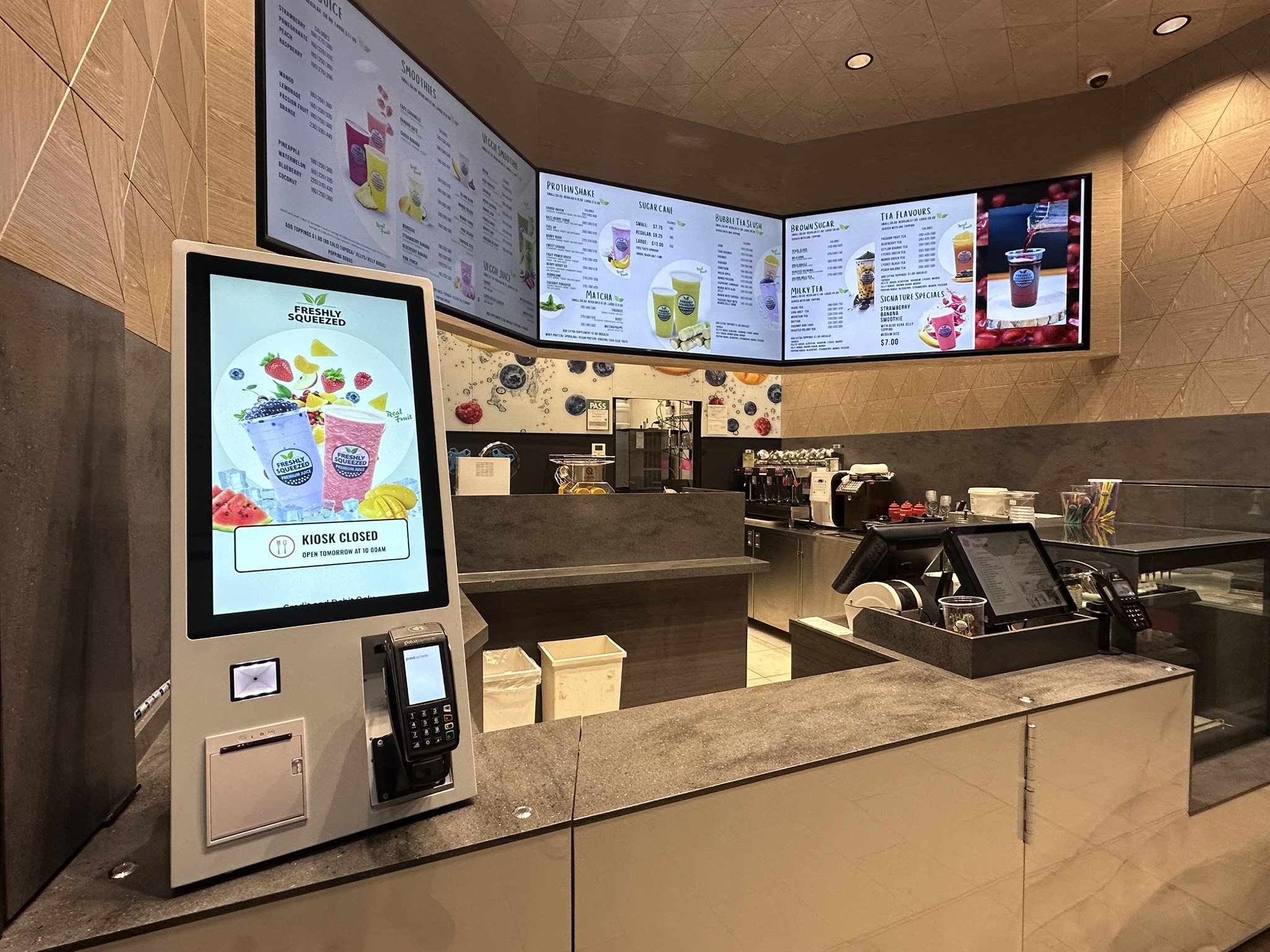
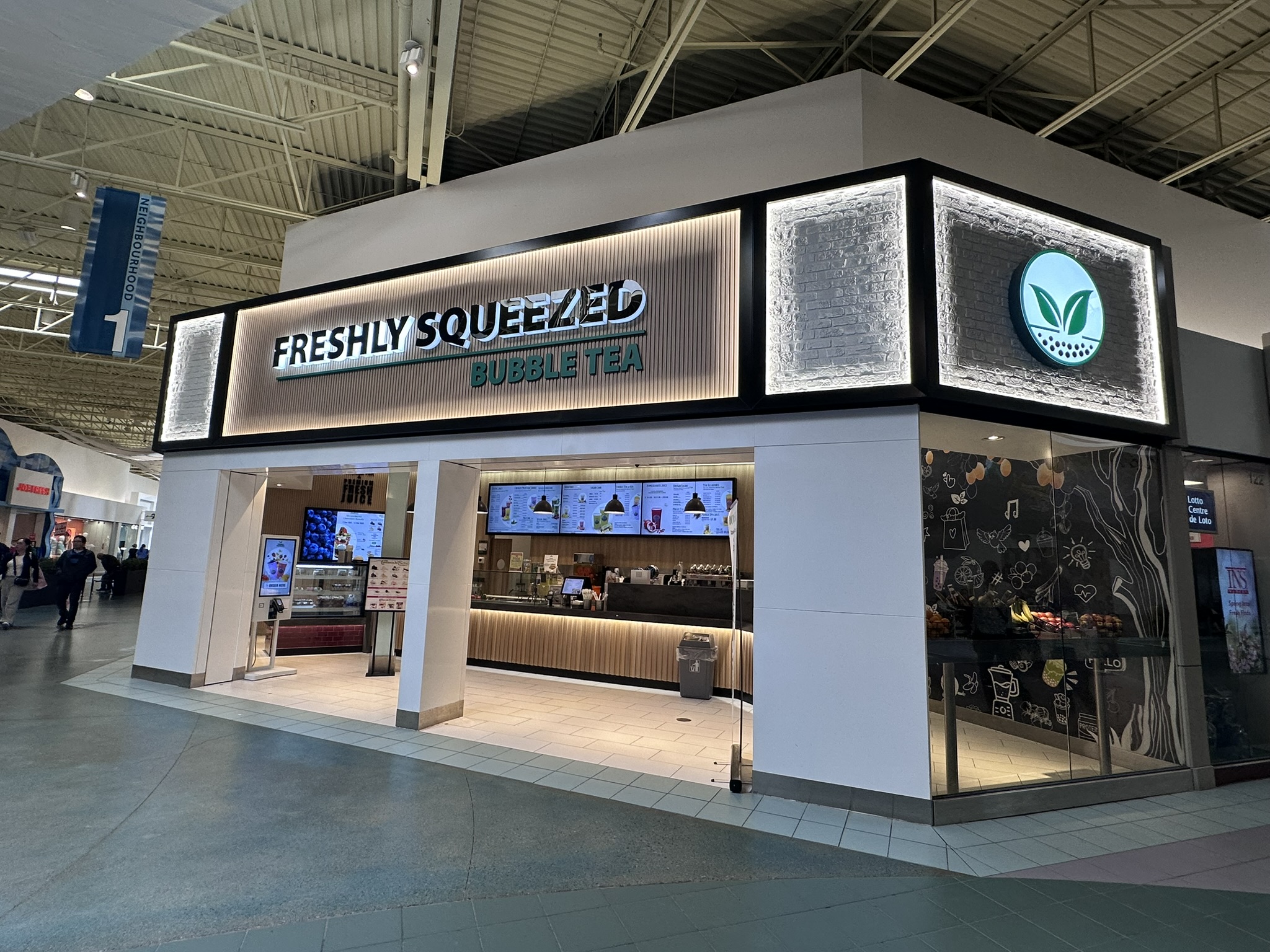
Freshly Squeezed storefront running KeenPOS
Running KeenPOS
Freshly Squeezed

One screen for staff. One for the line.

Live KeenPOS screens from stores running it today. Category buttons built from your menu, a numeric pad, quick cash and card keys. The customer display shows each order as it's built, then plays your promotions.

KeenPOS cashier screen and customer display

One system, built out to fit how you sell

Hardware, software, payments, rollout and support from one team, so you're not stitching three vendors together.

{{ item.title }} New
{{ item.eyebrow }}
{{ item.title }}
{{ item.description }}
Just rolled out

Kiosks that don't add a second system

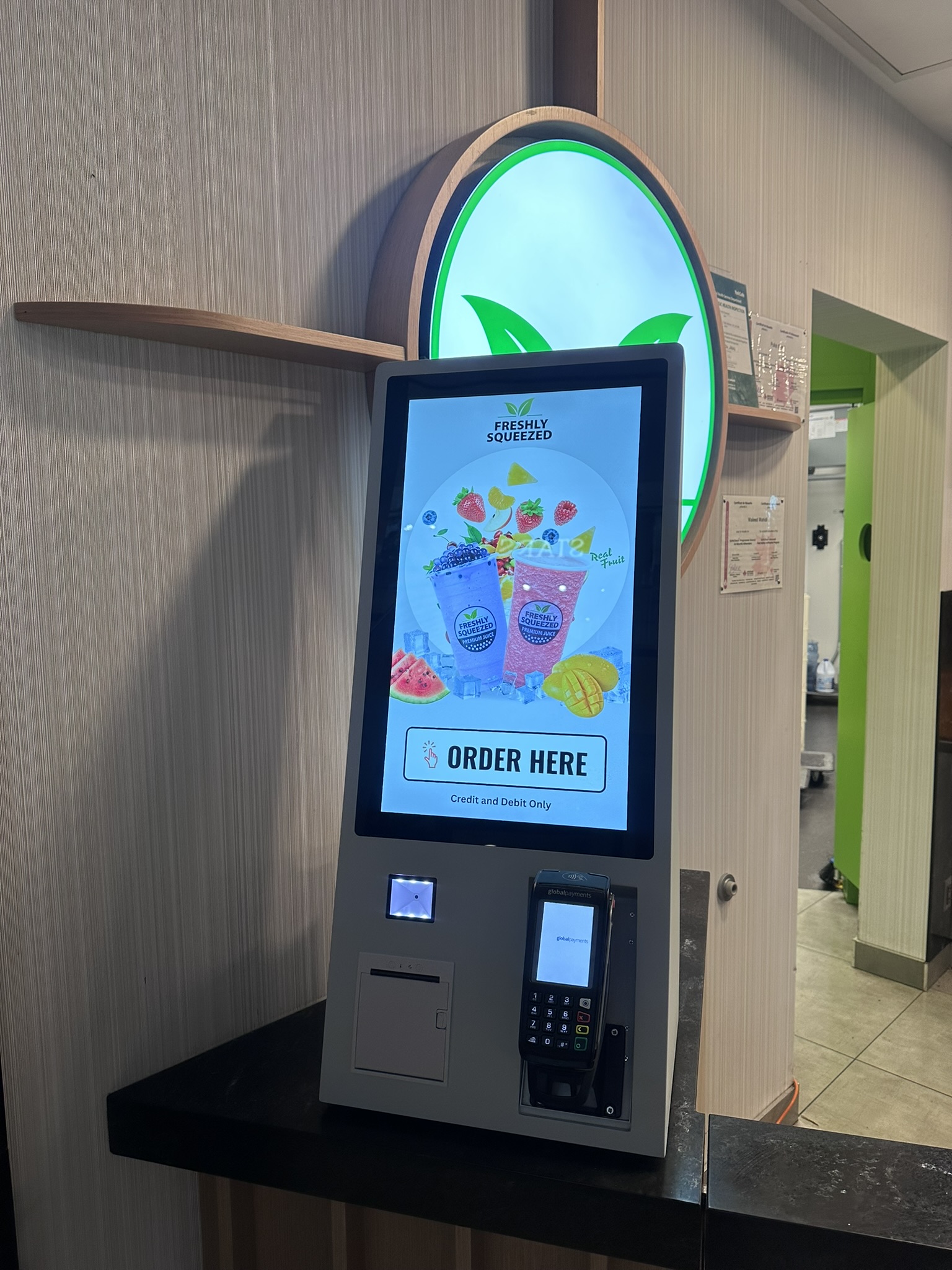
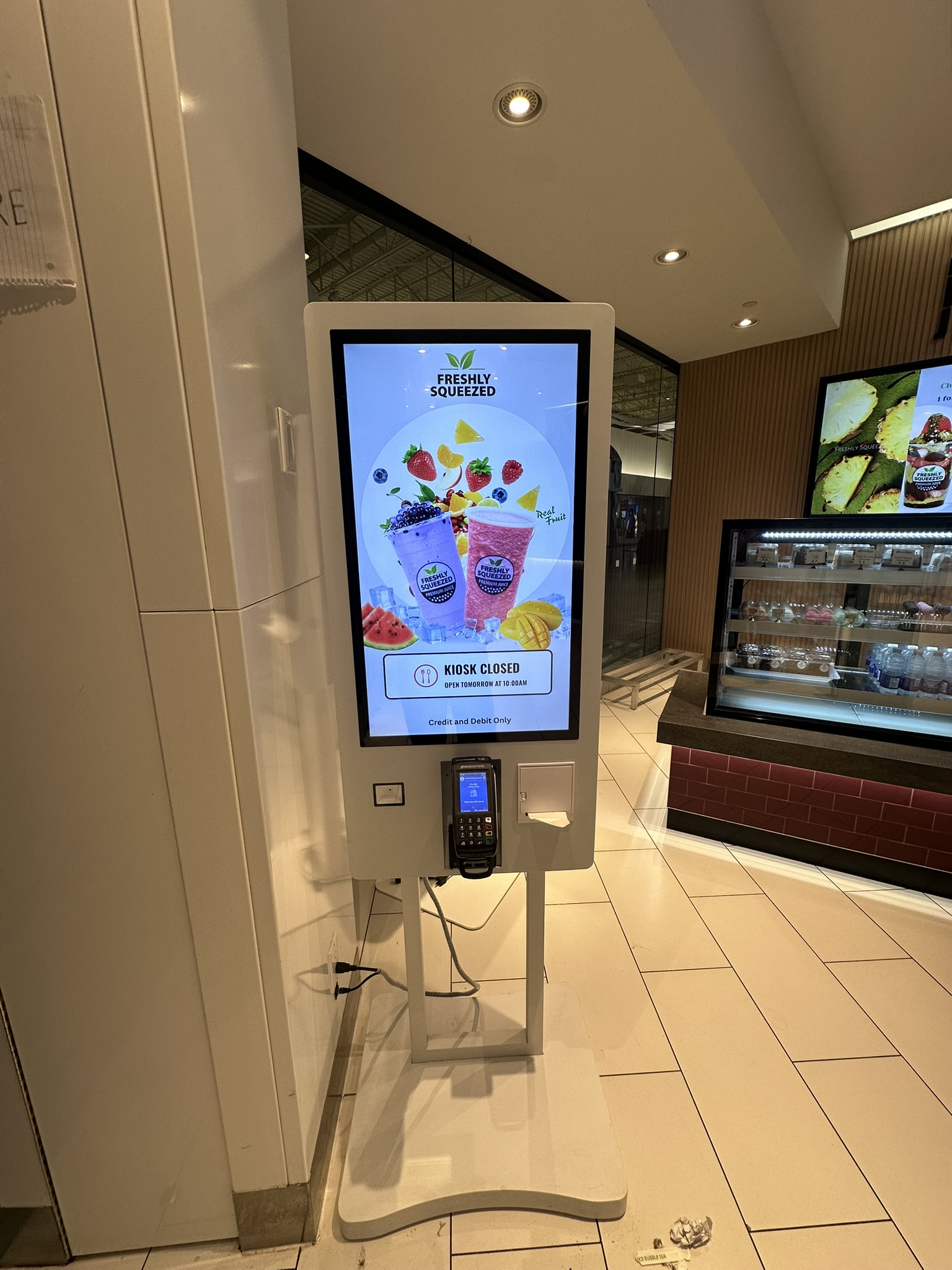
Guests order on their own and every order lands in the same backend as your registers. Each unit has a Global Payments tap-and-chip terminal, a receipt printer and a scanner built in.
✓
{{ feat.title }}
{{ feat.description }}
Countertop KeenPOS kioskCountertop
Floor-standing KeenPOS kioskFloor-standing
Kiosk beside the KeenPOS registerBeside the register

Every way your customers pay, and everything that happens after

Gift cards, mall cards and delivery apps at the register. Live orders, warehouse fulfilment and multi-store reporting in the back office.
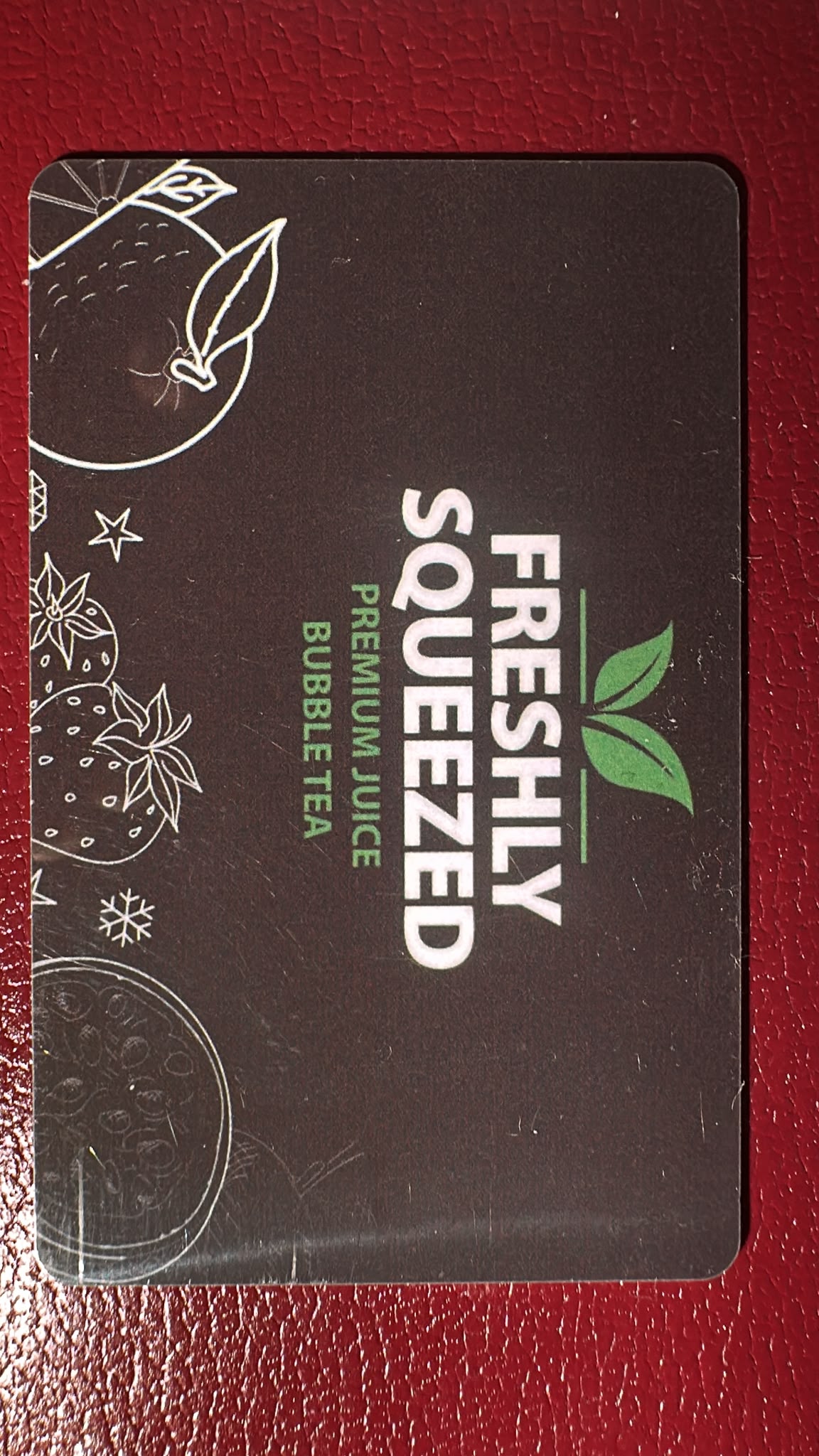
Freshly Squeezed gift card
Gift cards

Your own gift cards, and most mall cards too

Sell, reload and redeem branded gift cards right at the register, with balances shared across all your locations. KeenPOS also accepts most shopping-centre gift card programs, so a mall gift card works at your counter like any other tender.

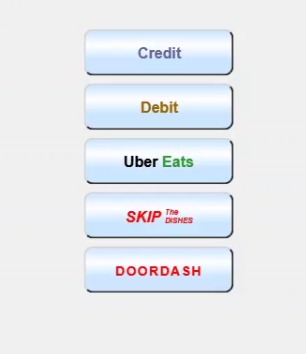
KeenPOS tender buttons: Credit, Debit, Uber Eats, SkipTheDishes, DoorDash
Third-party delivery

Uber Eats, SkipTheDishes and DoorDash as tenders

Delivery orders are rung through with their own payment buttons, so each platform shows up as its own line in your sales and payment-mix reports instead of being lumped into cash or card.

Back office

Reporting and fulfilment for every store, from one login

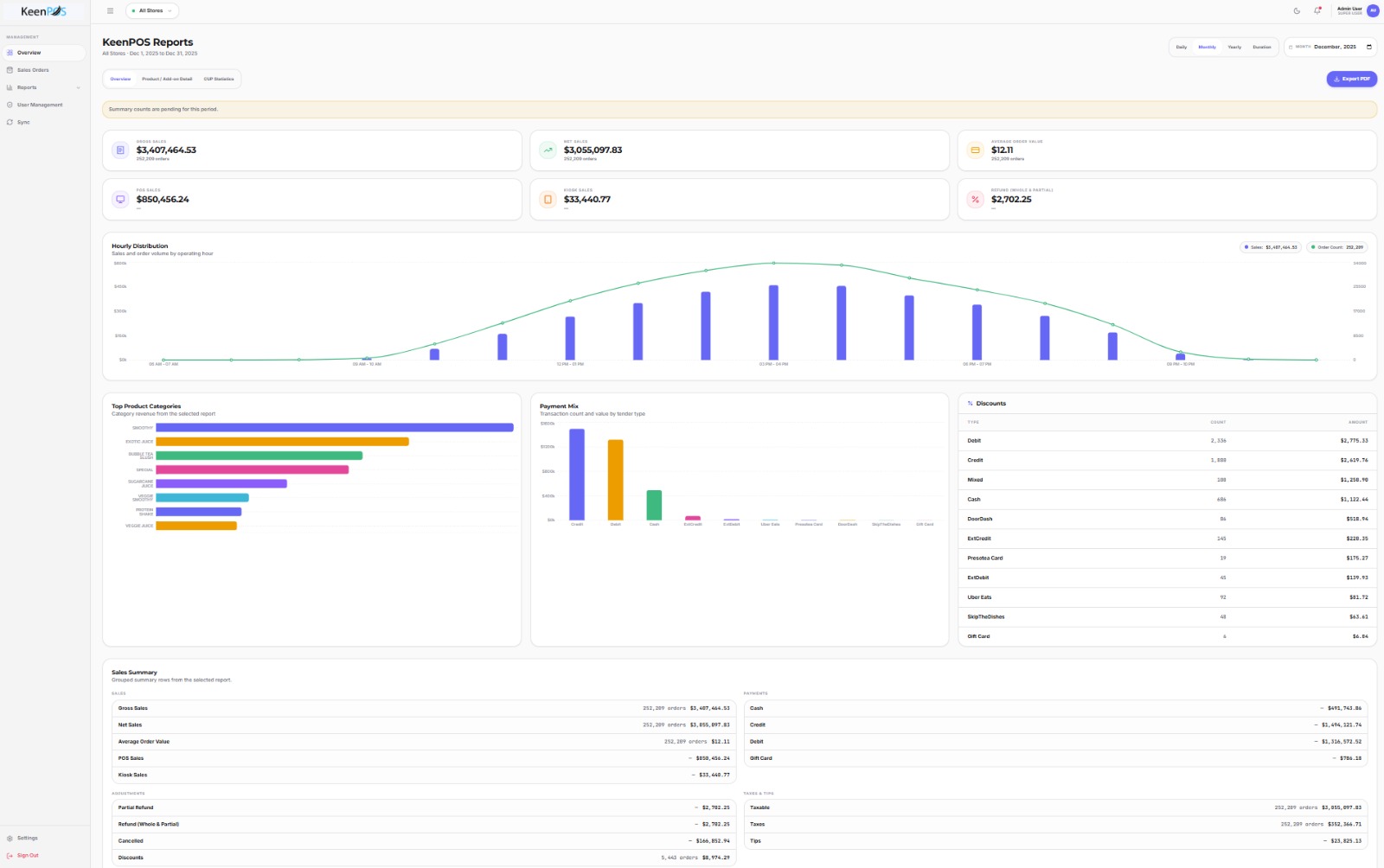
The KeenPOS back office runs in the browser. Pick one store or all of them, pick a day, month or year, and export to PDF.
✓
{{ bf.title }}
{{ bf.description }}
KeenPOS Reports: gross sales, hourly distribution, payment mix and discounts Reports, all stores
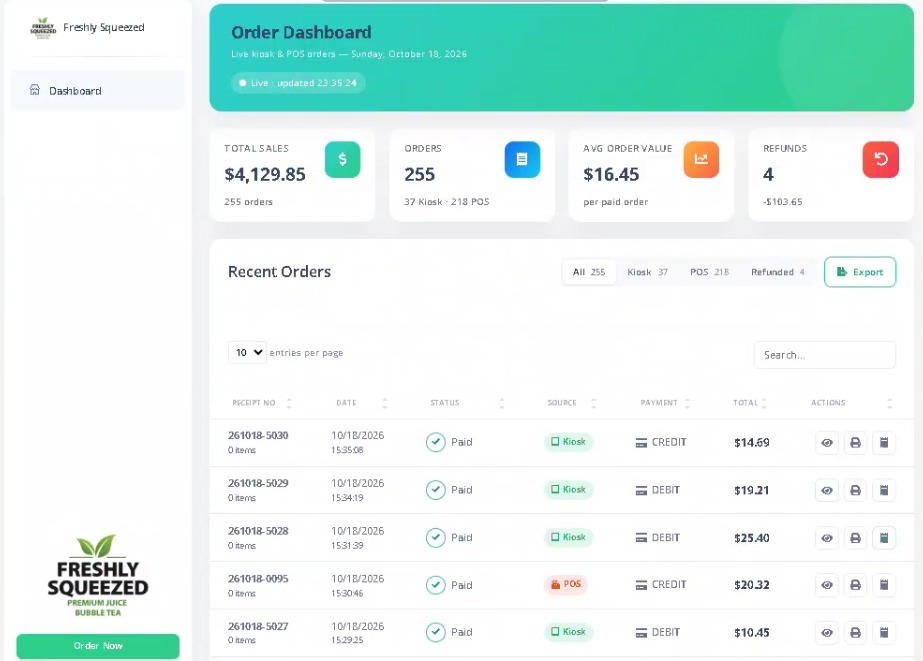
KeenPOS order dashboard with live kiosk and POS orders Live order dashboard

The brands running on KeenPOS

Franchise groups with dozens of locations trust KeenPOS to keep every counter, kiosk and report in sync.

{{ b.name }}
{{ b.name }}

{{ b.name }}

{{ b.tag }}

{{ b.description }}

{{ u }}
{{ b.linkLabel }} →

Behind the counter at over 90 locations

More than 90 Freshly Squeezed and Presotea locations run KeenPOS registers, customer displays, label printers and kiosks every day.

{{ g.caption }}
{{ g.caption }}

We install it, train your team, and stay on call

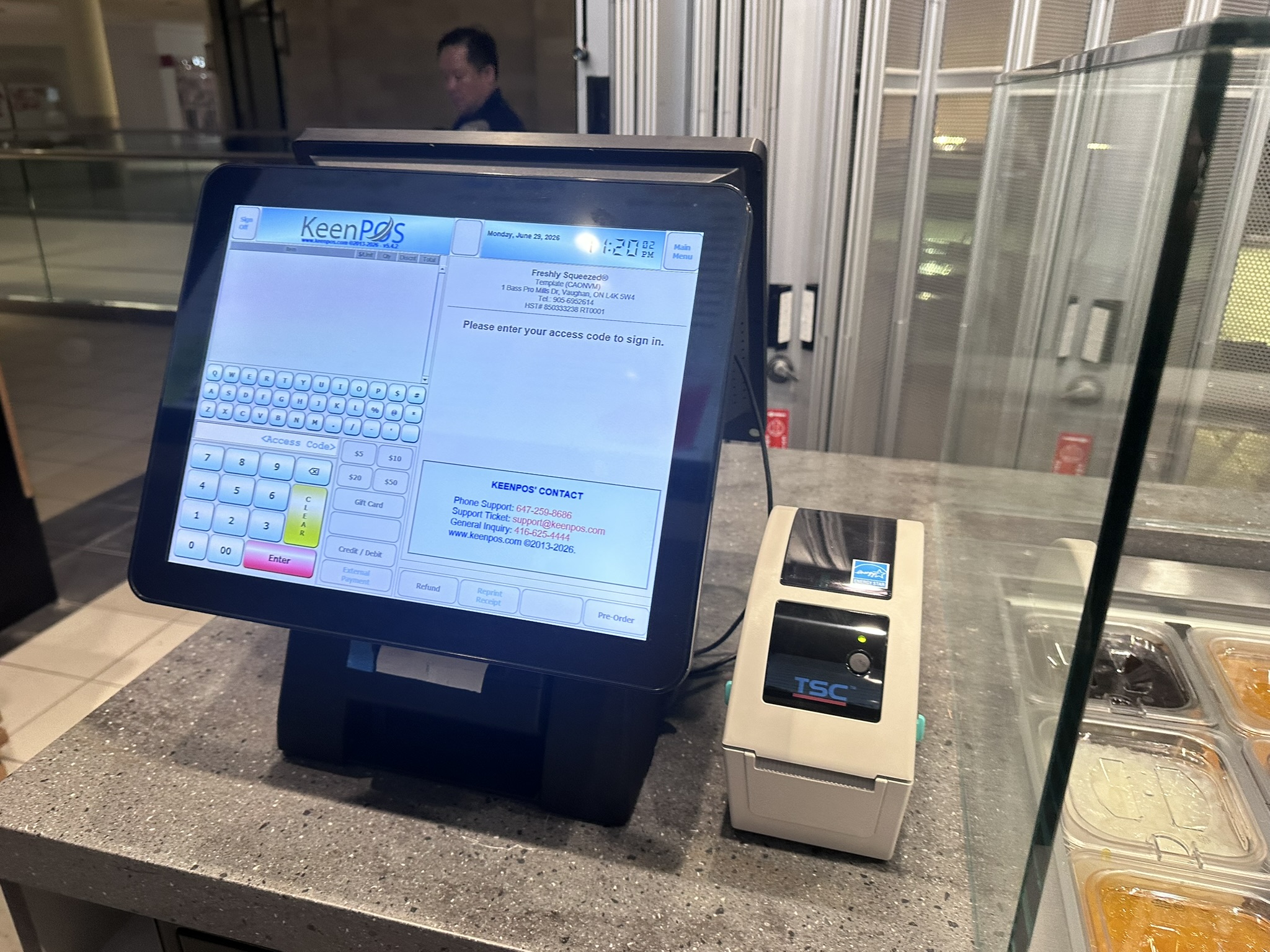
Rollout day includes on-site setup and hands-on staff training. After that, support is a phone call away, and our numbers are printed on every sign-in screen.
Phone support
905-707-7834
Support ticket
support@keenpos.com
KeenPOS sign-in screen with support contactsSign-in screen
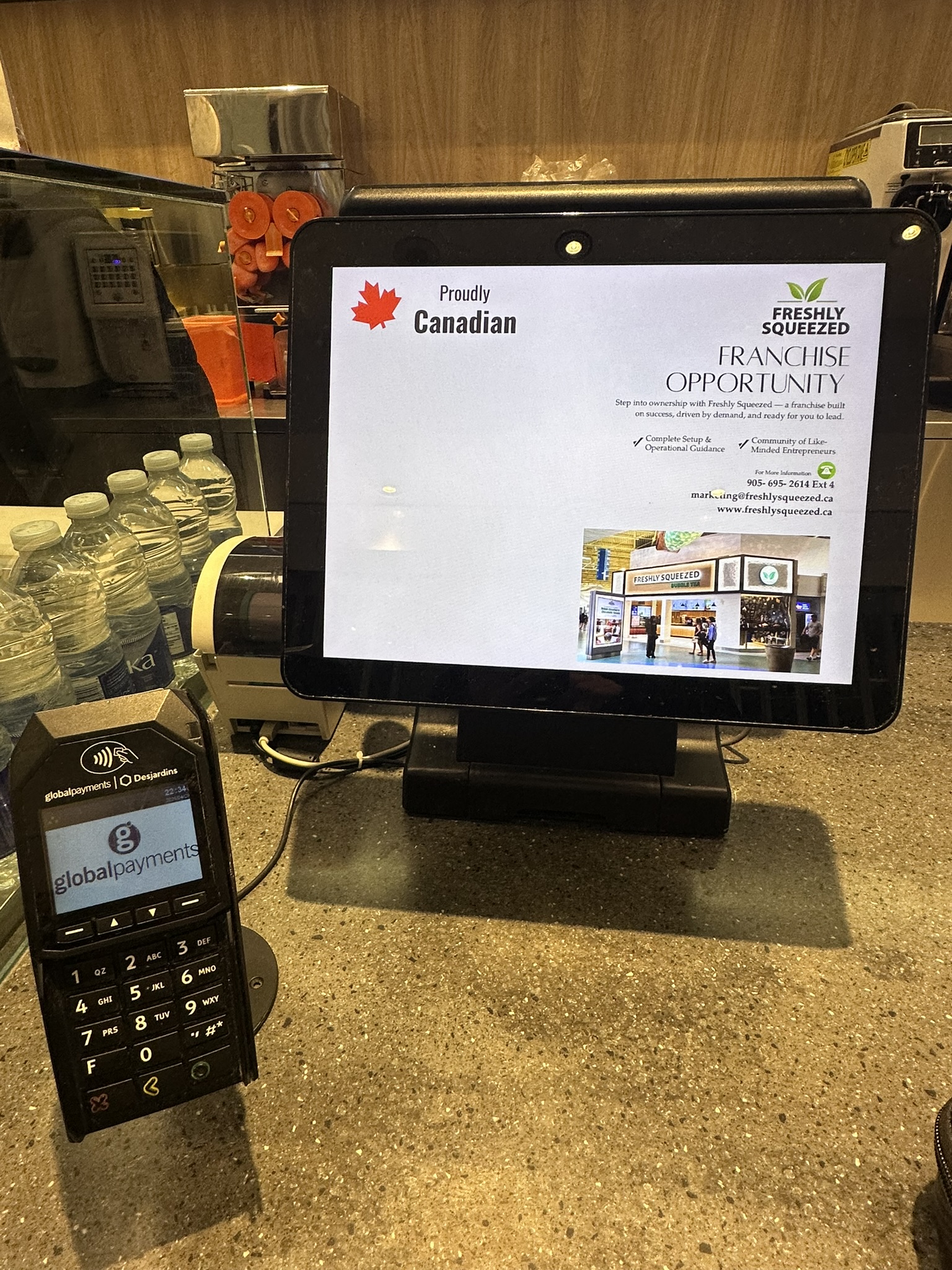
Global Payments terminal at the counterGlobal Payments

Tell us about your counter

Every location is a little different. Give us the basics and we'll come back with a POS, kiosk and payment setup that fits it.

Talk to us
1-905-205-0752
Write to us
info@keenpos.com
Office
1005-3601 Hwy 7 East, Markham, Ontario L3R 0M3
✓
Thanks, {{ sentName }}.
We've got your message and will reply within one business day.
Security check
{{ errors.captcha }}
Chat on WhatsApp